You haven't signed in yet, you can have a better experience after signing in
*Please complete the payment within {{receiveCouponInfo.expire_at}}Previous use*
You haven't signed in yet, you can have a better experience after signing in



Activity Rules
1、Activity time:{{ info.groupon.start_at }} ~ {{ info.groupon.end_at }}。
1、Activity time:cease when sold out。
2、Validity period of the Group Buying:{{ info.groupon.expire_days * 24 }} hours。
3、Number of Group Buying:{{ info.groupon.need_count }}x。
Please Pay Attention
1、Teamwork process: Join/initiate a Group Buying and make a successful payment - Within the validity period, the number of team members meets the activity requirements - Group Buying succeeded!
2、If the number of participants cannot be met within the valid period, the group will fail, and the paid amount will be refunded in the original way.
3、The number of people required and the time of the event may vary among different products. Please pay attention to the rules of the event.

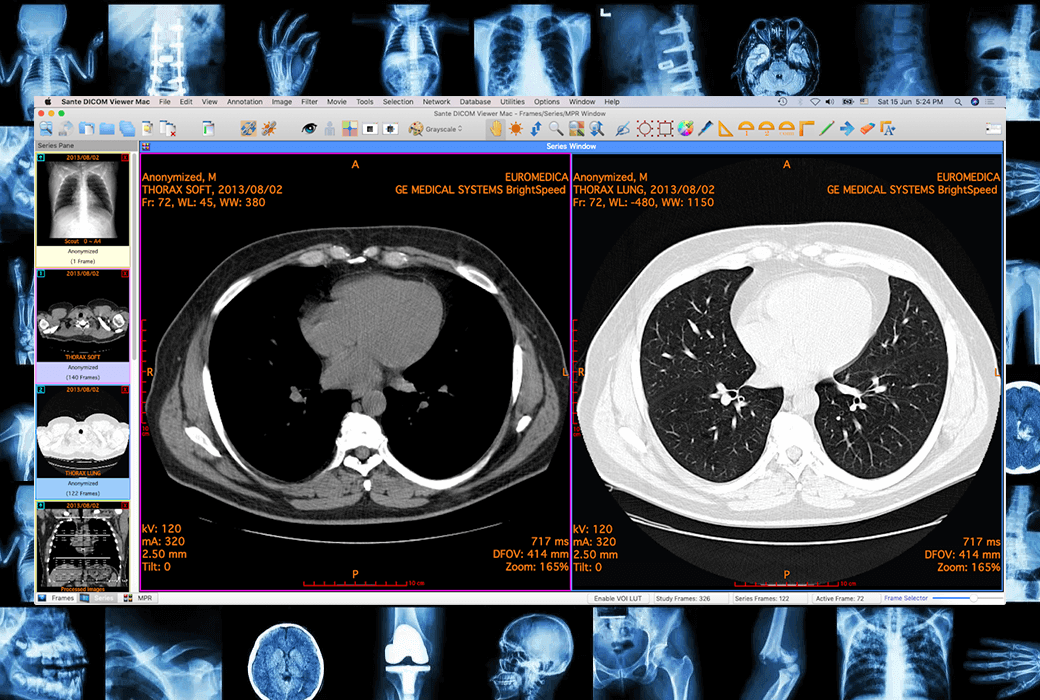
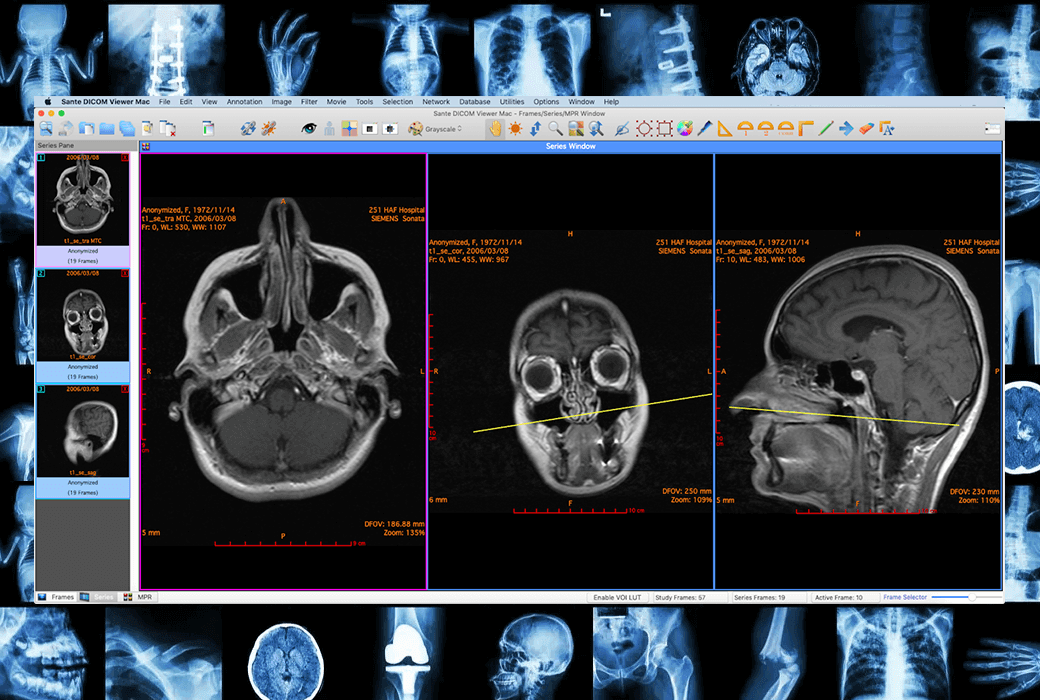
一款专业的 DICOM 查看器,适用于 macOS 系统。它具有许多功能,包括匿名化处理,转换器,PACS客户端,迷你 PACS 服务器,患者CD/DVD刻录机(带有查看器)等等。相比于Sante DICOM Viewer Pro for Windows,它拥有更多功能。凭借其广泛的功能集、卓越的稳定性和易用性,成为放射科医生、医学成像专业人员以及任何其他处理 DICOM 患者图像的专家所必备的工具。
检索、查看、存储、存档、管理和刻录医学图像
Sante DICOM Viewer Mac 拥有 Windows 版的广泛功能集,拥有更多功能。凭借这种广泛的功能集、无与伦比的稳定性和易用性,Sante DICOM Viewer Mac 是放射科医生、医学影像专业人员处理 DICOM 格式患者图像的必备工具。使用最新的 Apple 开发工具(XCode,Objective-C / C++)创建。
软件功能特点
Sante DICOM Viewer Mac 与 Sante DICOM Editor for Windows 相媲美。它拥有 Sante DICOM Viewer Pro for Windows 的所有功能,并且还具有以下额外功能:
单用户许可证:许可授予一个指定用户。 指定用户可以在他/她拥有的任何计算机上安装、激活和访问应用程序(在工作中、在家办公、在笔记本电脑中)。 无需为指定用户的每台计算机单独购买许可证,也无需用户将旧计算机更改为新计算机。单用户许可证是永久性的,不会过期,也没有年度续订或合同费用。更新、维护 并且该计划的支持是免费的。注册用户可以下载,安装和使用该程序的每个新版本,而无需任何额外费用。
站点许可证:适用于希望安装的医院、组织、公司、公司和教育机构 在他们的办公室或校园里无限数量的我们的软件副本。医院、组织、公司、公司或教育机构 可以在任意数量的 PC 上安装软件以供任意数量的用户使用,前提是 PC 永久位于一个站点(例如, 同一地点的单个医院、办公楼或建筑物综合体、大学校园等)。网站许可证是永久的,不会过期,也没有年度续订或合同费用。更新、维护和 该计划的支持是免费的。注册用户可以下载,安装和使用该程序的每个新版本,而无需任何 额外费用。
系统最低要求
官方网站:https://www.santesoft.com/mac/sante-dicom-viewer-mac/sante-dicom-viewer-mac.html
下载中心:https://santedicomviewermac.apsgo.cn
备用下载:N/A
发货时间:人工处理
运行平台:macOS
界面语言:支持英文界面显示。
更新说明:官方承诺一次购买,终身更新升级和使用。
买前试用:购前可免费试用。
如何收货:购买后,激活信息会以邮件的形式发送到下单时的邮箱,同时可在个人中心,我的订单中查看对应的产品激活码。
设备数量:请查看商品说明,查看详情。
更换电脑:原电脑卸载,新电脑激活。
激活引导:打开软件,点击“Help”-->"Registration...”复制激活信息按照提示信息激活软件。
特殊说明:待添加。
参考资料:https://www.santesoft.com/mac/sante-dicom-viewer-mac/sante-dicom-viewer-mac.html

Any question